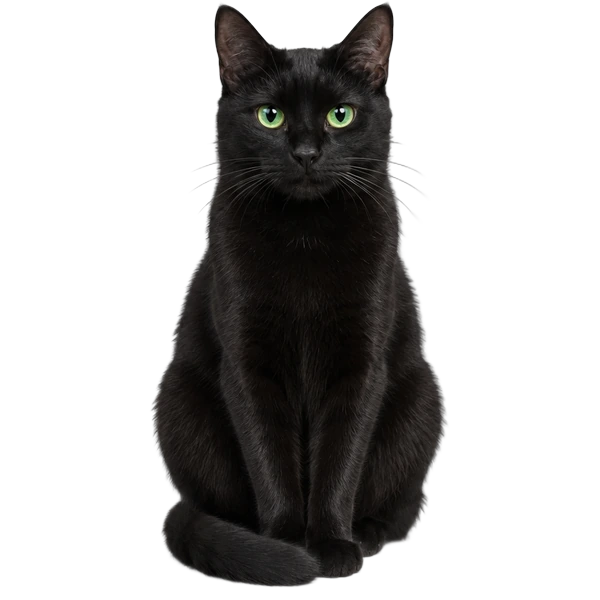
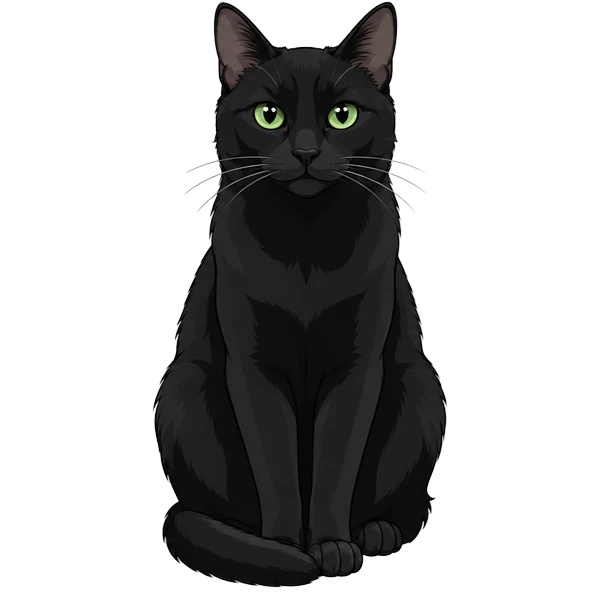
New looks
Try your pet in another style, from lifelike to cartoon. Your first look is free.
Fluffy · an iPhone app for cat and dog owners
Upload a few photos and Fluffy makes a virtual twin that looks just like your pet. Play with it, hear what your pet might be saying, and dress it up. Add the Fluffy collar and the twin naps when your real pet naps.
Everything in Fluffy
01 · Make the twin
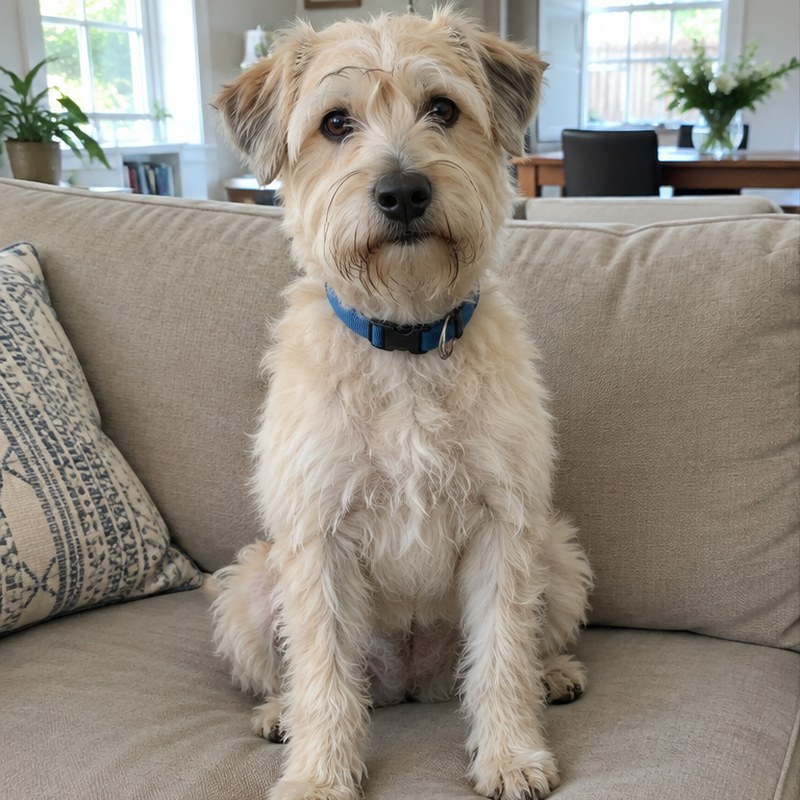
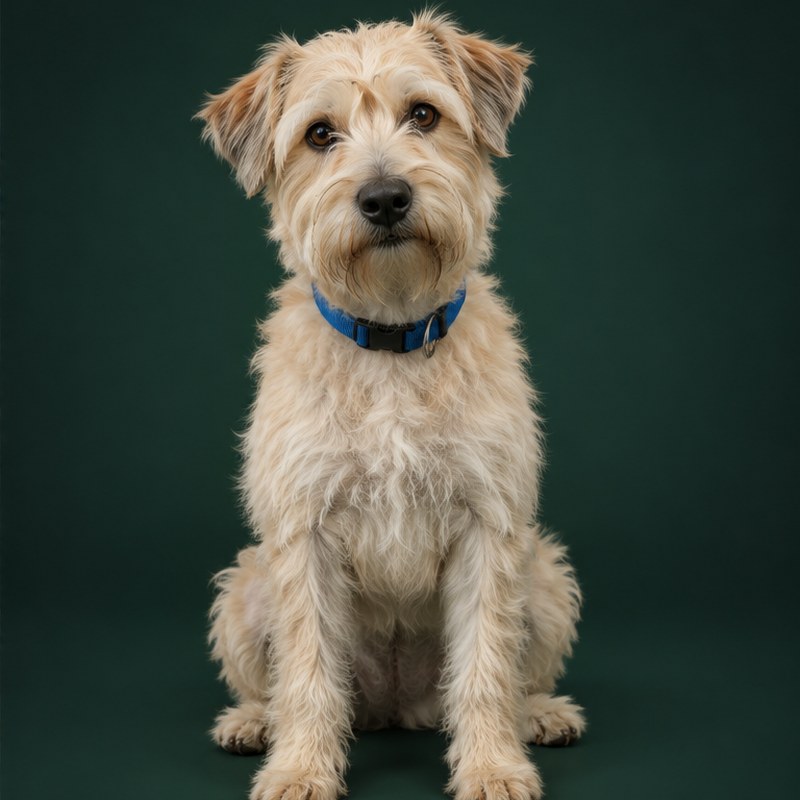
Fluffy only makes twins of real cats and dogs. Yours keeps your pet’s coat, colors and that one ear that flops, so you’ll recognize it at a glance.
02 · Play
The twin naps, eats, grooms and wanders around its room on its own. Touch the screen and it reacts.
Hold to hear your pet
03 · Hear
When your real pet meows or barks, hold the mic. Fluffy listens and shows a line in their personality, in a bubble above the twin.
Just for fun. It’s not a translation of what your pet means.
04 · Create
Everything you make is saved to your pet, so you can switch back any time.
Try your pet in another style, from lifelike to cartoon. Your first look is free.
Pick a scene, or describe one, and get a photo of your pet there. Save it to Photos or share it.
Change the room your virtual pet lives in. Choose one of ours or describe your own.

Try on clothes and accessories, or upload a photo of your own. Keep favorites in their wardrobe.
05 · Widget
Add a Fluffy widget in small, medium or large. Show your pet in their scene or pick one of your AI photos, and choose which pet shows up.
06 · Fluffy collar
Put the collar on your real pet and the twin follows along: when they sleep, it sleeps. See where they are, set safe zones, and check steps and sleep from Devices. If something looks off, like leaving a safe zone or a low battery, the twin tells you in a bubble.
Get the app
It isn’t on the App Store yet. Leave your email and we’ll send one message when it is.